
The Itasca County Court Calendar
The Itasca County District Court posts an Itasca Weekly Public Court Calendar. It exists so the public can see hearing information. Itasca County sits in Minnesota's Ninth Judicial District. Its District Court handles civil, criminal, family, probate, juvenile, and traffic cases. The calendar itself is a searchable PDF. Scanning a long Itasca County court calendar goes faster with a name or attorney search. The case-specific Register of Actions, called the ROA, carries the fuller event history.
That online calendar is one channel, not the only record of a setting. Court Administration keeps the official file and answers case-specific calendar questions. A calendar line can carry the date, time, court location, judge or judicial officer, courtroom when posted, case number, public caption, and hearing type. Confidential matters and others restricted from remote access are never posted. So a missing entry does not mean no Itasca County appearance is required.
Itasca County Court Calendar Posting Cycle
The county posts the weekly public calendar at 7:00 a.m. each business day. It refreshes the calendar hourly. The Ninth Judicial District calendar index links to it. Hourly posting makes the PDF handy for a same-day check. It helps above all when the court file number is already in hand. Settings, judges, and courtrooms can all change, the county cautions. Read the newest court notice first. Treat the calendar as a public confirmation layer. It is not a substitute for a notice or an ROA entry.
The official MCRO Hearing Search screen offers a statewide hearing-search route. It covers Itasca County matters.
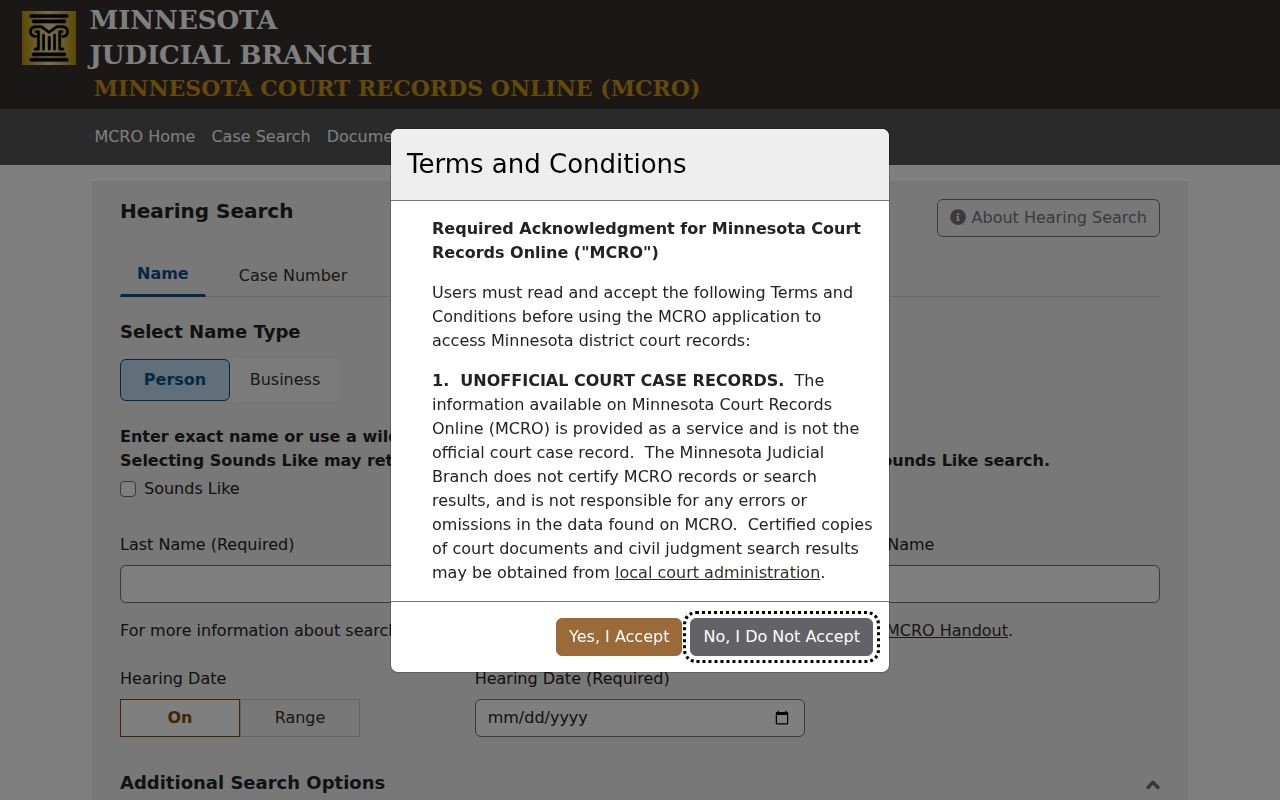
Hearing Search works well when you know a case, party, attorney, or judicial officer, and the weekly Itasca County PDF offers its own public calendar view.
Note: Hourly updating helps a public schedule, but the printed Itasca County courthouse calendar is still the current local confirmation source.
How to Find Your Itasca County Court Date
Search with the strongest identifier you have. A full Itasca County court file number usually works best. A citation number, attorney name, or exact party name can also pull up an Itasca County hearing. The statewide public portal is Minnesota Court Records Online, or MCRO. Its Case Details page lists upcoming hearings in the ROA. Add the weekly Itasca County calendar as a supplement. Each source can lag a new judge or courtroom assignment. So compare results before trusting one.
- Read the newest court notice first. It identifies the particular Itasca County appearance the court has directed.
- Open MCRO Hearing Search, select Itasca County, choose the category if known, and search by case number, name, judicial officer, attorney, or date range.
- Open the Itasca County case in MCRO and compare its Upcoming Hearings and chronological ROA entries with the hearing result.
- Search the Itasca Weekly Public Court Calendar PDF by party, case, or attorney. Itasca County posts that public schedule each business day.
- Call Itasca County Court Administration at 218-327-2870 or use the Court Administration counter at 123 Fourth Street NE when the case is not online, is close in time, or needs confirmation.
- At the courthouse, read the printed lobby or courtroom calendar. The local court says those Itasca County postings are the most current daily calendar.
Itasca County Court Calendar Search Fields
MCRO Hearing Search is not a full Itasca County session calendar. It searches hearings tied to a case. Pick Name, Case Number, Judicial Officer, or Attorney. Then filter by hearing date, date range, case category, and the Itasca County location. One caution: a pending criminal, traffic, or petty case may not come back through a defendant-name search before a conviction. For those, a case number, citation number, or attorney search is more dependable. It works better for an Itasca County calendar check.
The MCRO Judgment Search is a separate statewide screen built for docketed money judgments. It is not for a complete Itasca County hearing schedule.
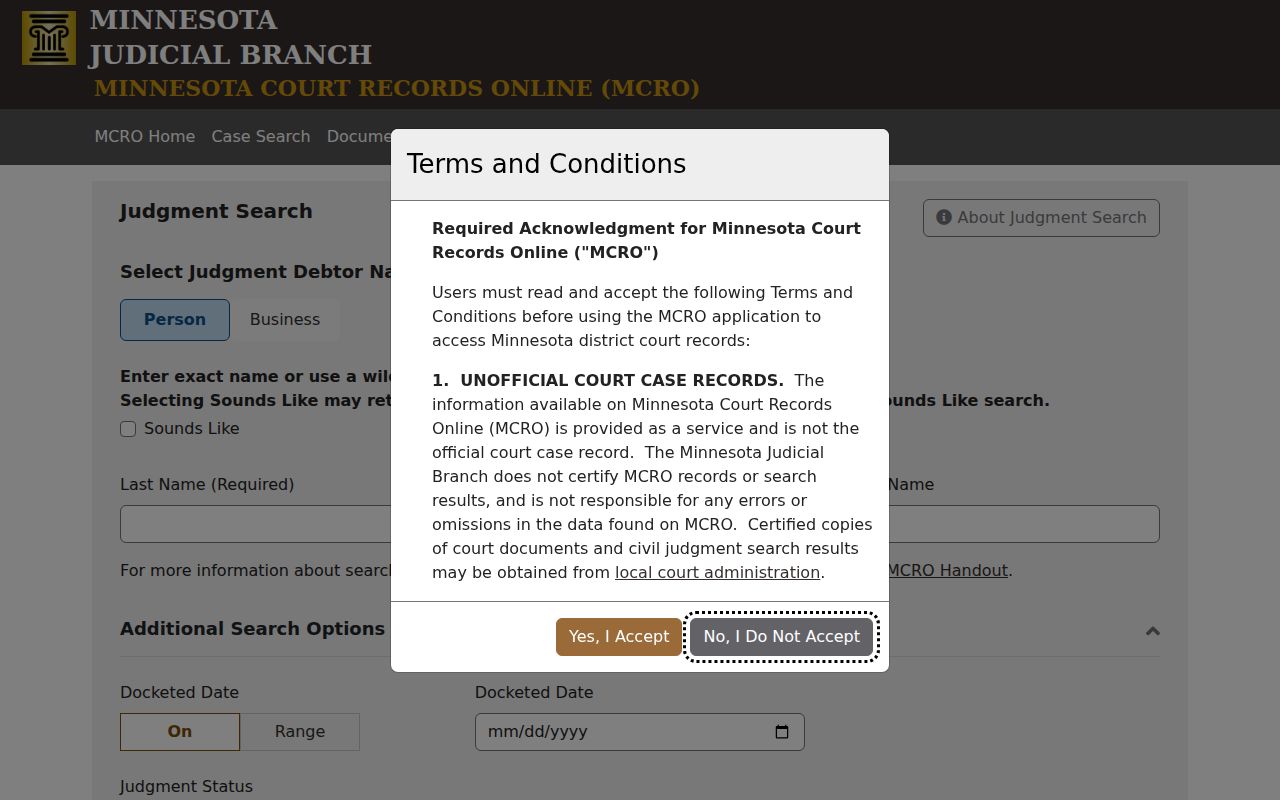
For an actual hearing date, go back to Hearing Search, the case ROA, the weekly Itasca County calendar, or Court Administration. A judgment search is not a calendar tool.
Reading an Itasca County Court Setting
A setting is the court event scheduled for an Itasca County case. Begin with the case number and public caption. Then match the date and time against the notice and the ROA. Remember that the calendar's fields only describe what was posted at that moment. The court can swap a judge or a room. Restricted matters also stay off the public calendar. A setting line helps you prepare for an Itasca County court appearance. But it is not proof every detail is final.
| Date | The listed Itasca County hearing date. Compare it with the latest court notice. |
|---|---|
| Time | The scheduled time shown on the public calendar or MCRO hearing result. |
| Court location | The Itasca County court location or assignment displayed for the public setting. |
| Judge | The judicial officer named in the current calendar entry, subject to later assignment changes. |
| Setting type | The event label, such as arraignment, pretrial, motion hearing, review hearing, plea, or trial setting. |
Itasca County Court Calendar Terms
Event labels show what kind of Itasca County court work is on the schedule. The live calendar controls the exact wording. Even so, a handful of plain terms show up across Minnesota court records. They help separate a court date from a final result. When an unfamiliar code appears in an Itasca County ROA, copy it as written. Then ask Court Administration what the public record means. Guessing from an abbreviation is risky.
- Arraignment or initial appearance
- An early criminal hearing where the charge, rights, and next process steps are addressed.
- Pretrial or status conference
- A case-management hearing before trial or another disposition.
- Motion hearing
- A hearing on a request asking the judge to make a ruling.
- Review hearing
- A status review, which can include an Itasca County Wellness Court review.
- Continuance or reset
- A move of an existing Itasca County setting to a later date or different time.
Itasca County Court Calendar Review Hearings
Some Itasca County review settings come through the local Wellness Court, a joint-jurisdiction program run with Leech Lake Tribal Court. The public calendar may list a review hearing where the matter is public. One calendar line cannot tell a person's program status. For the next required Itasca County appearance or remote-hearing instructions, the notice, the ROA, and Court Administration are the better sources.
The Minnesota treatment-courts listing names the local county program.
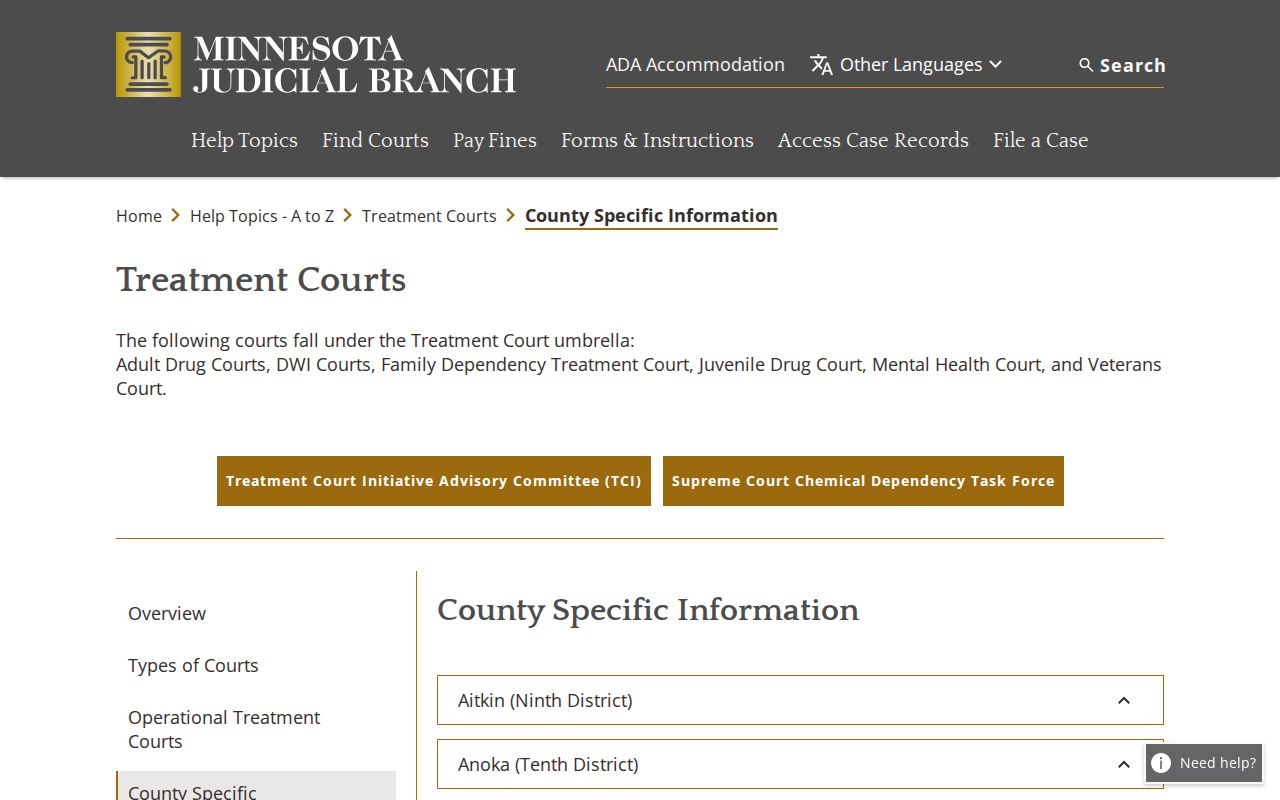
This listing gives program context only. For an actual hearing time, the current Itasca County court calendar and the court's own notice control.
Resets, Continuances, and Cancellations
An Itasca County setting can shift for many reasons. The court may continue a hearing, move the courtroom, or swap the judicial officer. It may also enter some other scheduling order. A fresh entry can show up in the Itasca County ROA before the weekly PDF update, after it, or at the same moment. So a hearing still listed as upcoming in MCRO on the day itself proves nothing about whether it was missed or cancelled. For an Itasca County party, court notices and same-day local confirmation carry more weight.
The weekly calendar leaves out confidential cases and anything the public-access rules bar from remote view. A missing Itasca County entry therefore does not mean the appearance was cancelled or rescheduled. Check any claimed change against the case ROA. Court Administration also confirms it. A court notice or the printed daily calendar posted in the courthouse works too. The public PDF itself warns that judges and courtroom assignments can change. A same-day check is simply sensible.
Confirm an Itasca County Court Calendar Change
Start with the record itself. Any Itasca County court date has three public layers. These are the case's ROA, the weekly public calendar, and the printed calendar at the courthouse. The ROA is the chronological record of the case. The online calendar is a schedule for the public. The lobby or courtroom posting is the court's stated current daily listing. When two of them disagree, call 218-327-2870 with the case number, the date, and the conflicting entry. Staff can point you to the current public record, though they cannot give legal advice.
Government agencies get a different tool. They may use the real-time Minnesota Partner Calendar, or MPARC, through an authorized login. That system does not replace the public Itasca County court calendar. The public should rely on other routes. These are MCRO, the weekly PDF, the courthouse terminal, and Court Administration. Those routes keep the distinction intact. They sit between a useful public schedule and the local court's current case information.
Use the exact case number when you call. Say whether the conflict is a date, a time, a courtroom, or a judicial-officer change. The clerk path helps when the online docket has not caught up with a recent order. A notice from the court may state the next obligation more precisely than any public display. The printed posting offers a same-day check at the courthouse. Each Itasca County source serves a different purpose. Agreement among them beats any guess built on one docket search result. A phone confirmation can also separate two things. It splits a simple scheduling question from a request for a court order or certified document.
Note: No standing Itasca County link supplies remote-hearing details; use the notice or contact Court Administration.
What To Do If You Miss a Setting
Missed an Itasca County court setting? Call Court Administration at 218-327-2870 right away. Then check your latest notice and the ROA for what the court has on file. No single fix covers every missed appearance in Itasca County. The right step depends on the case type, the orders involved, and the purpose of the hearing. One caution applies. An online calendar entry that drops off does not cancel your duty to appear. Ask about the current setting instead of waiting for the online docket to update.
Missed Itasca County setting: Call Court Administration immediately and provide the court file number if known. A missed hearing can have serious case-specific consequences, so confirm the current court direction and obtain legal advice when needed.