
Itasca Case Search: Four MCRO Tabs
Minnesota Court Records Online gives the public four ways in. Document Search hunts for eligible papers once you have a case number. Case Search takes a broader role. It pulls up the file itself along with its Case Details page, sometimes called the Register of Actions. Hearing Search shows what the Itasca County court calendar has scheduled. And Judgment Search tracks docketed money judgments. Pick your route before you type anything. That single habit keeps an Itasca case search aimed at the actual question. You get the answer you actually need.
The Document Search route works best with a full court file number. It returns only the papers that can be viewed online. For the wider story of a case, the filings and events in order, Case Details is still the place to read.
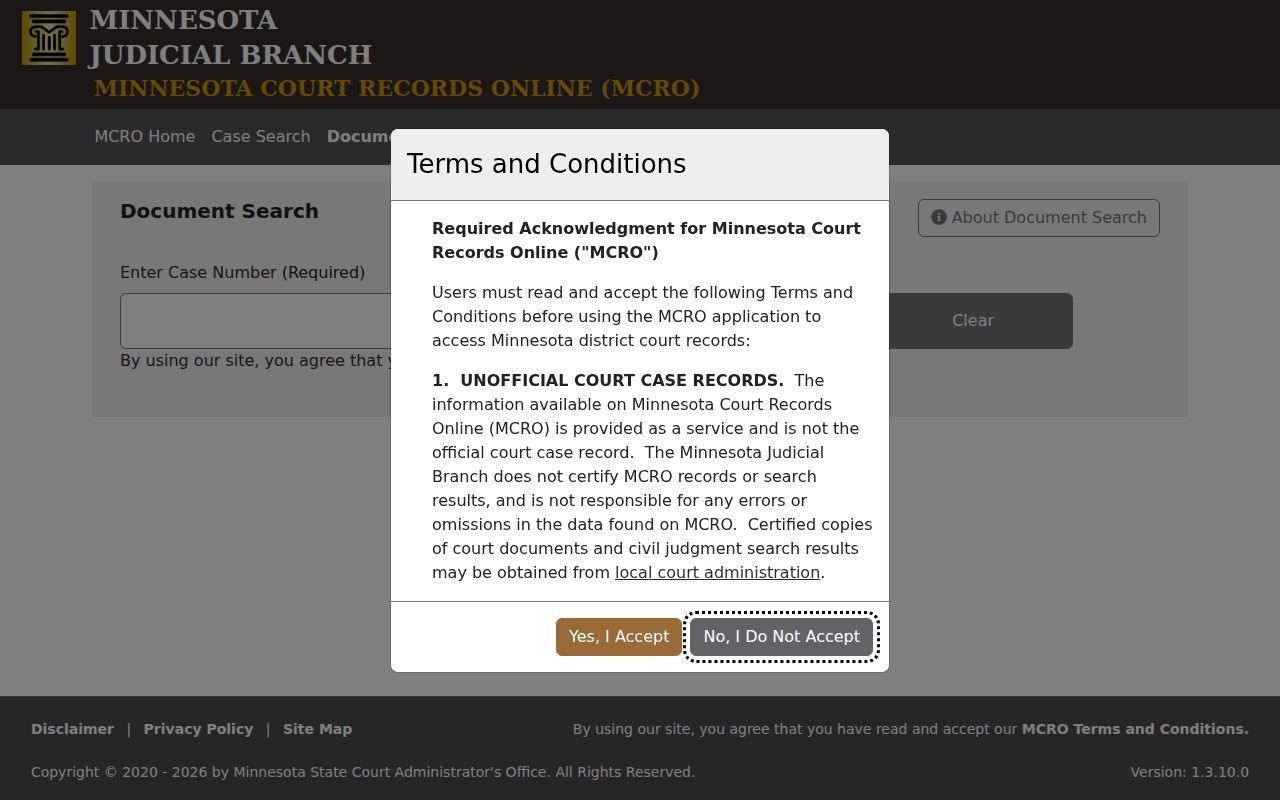
An eligible online document download is free, but it is not a certified court copy.
Searching Cases by Name
Names are the starting point in Case Search. You can enter a person or a business. Type the exact spelling first. From there, tighten the results by case category. You can also filter by the date the case was filed and by choosing Itasca under specific court locations. An exact-name search is the default setting. After two characters or more, you may add a trailing wildcard. Spelling or punctuation giving you trouble? Sounds Like widens the net, though you cannot pair it with a wildcard. Common names and aliases invite wrong matches. Check the county and the other identifiers before you open any case.
- Open MCRO Case Search and accept the terms.
- Choose the Name route and select the person or business context.
- Enter the strongest name fields available, starting with the exact last name.
- Select a case category and check Itasca under specific county court locations when known.
- Choose Find, compare the results, and open the blue case link only after the court file matches.
| Field | Type | Required | Itasca use |
|---|---|---|---|
| Name route | Tab selector | Choose a route | Use Name, Case Number, Citation Number, or Attorney. |
| Last, first, middle name | Text | Optional | Try with and without a middle name or initial. |
| Name/Sounds Like | Text and checkbox | Search value expected | Use a trailing wildcard after two characters, or Sounds Like, not both. |
| Date of Birth or filed date | Date controls | Optional | Use exact date or date range in MM/DD/YYYY format. |
| Category and court location | Checkboxes | Optional | Choose the category and select Itasca to reduce statewide results. |
Itasca Case Search Name Tools
Names with punctuation, odd spellings, or missing middle names deserve a patient sequence. Begin with the exact version. If nothing comes back, drop the middle initial and try again. Then swap in the full middle name. Then move to the wildcard or Sounds Like. The portal itself warns that a name match may belong to someone else entirely. That is why the court file number, the county, the filing date, the parties, and the case category stay essential before you trust a hit.
One exception matters most. Pending criminal, traffic, and petty-misdemeanor files without a conviction never appear in a defendant-name search on MCRO. For those, use the court file number, the citation number, or an attorney name or bar number where the system allows it.
Searching by Case Number
The strongest search key is a complete case number. Itasca County files begin with county code 31. Then come case-type letters, a two-digit filing year, and a sequence number. So a mandatory-appearance criminal or traffic file looks like 31-CR-YY-#####. A payable citation file looks like 31-VB-YY-#####. Copy the number straight from your notice or court record whenever you can.
Leave the spaces out. The MCRO search field takes numbers, hyphens, and letters. A space brings back an error. Itasca County's own fine-balance instructions also tell users to start a case-number search with the 31 prefix. If you lack the case number, a 12-digit citation number from a standard citation works as a backup key.
Itasca Case Search County Prefix
The local prefix does more than make a case number look tidy. It steers a docket search toward Itasca inside a statewide court system. Knowing only the year and sequence can block a useful result. Add the Category filter and the specific county checkbox. Combine those with the full number to cut out unrelated state results.
Once a result opens, scroll to Financial Information for any question about a court balance. County instructions say a collections reference goes to Itasca County Court Administration at 218-327-2870.
What a Case Search Returns
Open a matching result in MCRO. You land in Case Details with the Register of Actions. The ROA lists everything in order: filings, proceedings, activities, hearings, and outcomes. The screen may also show party information, attorneys where available, and public document links. Disposition, sentence, and financial information can appear there too. One event category is not a final outcome. So read the whole sequence through to the newest events. That last entry often carries the answer.
| Case number | Unique court file identifier, including Itasca's county prefix where used. |
|---|---|
| Case style and parties | The displayed caption and publicly shown participants. |
| Category and status | Broad MCRO category and the case's recorded status, not a stand-alone conclusion. |
| ROA events | Chronological filings, hearings, orders, motions, and other court activity. |
| Disposition and finance | Publicly displayed outcome, sentence, judgment, fines, restitution, payments, or satisfaction details. |
| Documents | Links or index entries for eligible public documents; an index number may appear without an attachment. |
Itasca Case Search Is Unofficial
Read the fine print on MCRO. Its terms say remote results are unofficial, uncertified, and may carry errors or omissions. The database cannot pay a fine. It cannot set a hearing, file a District Court document, or produce a certified copy. It is a public lookup and document-viewer system, nothing more. Court Administration holds the original District Court record and handles the certified-copy path.
That limit does not make MCRO useless. It just means the answer deserves checking. Check against the actual ROA, a current hearing record, or Court Administration whenever the answer must be official for an Itasca County case search.
Statewide vs County Case Search
MCRO is one statewide system, not a separate Itasca-only portal. Its Court Locations filter lets you pick Itasca. That narrows the statewide docket to the local District Court. Court Administration is the county layer. It handles terminal viewing, paper files, older records, certified copies, and questions. The two roles complement rather than duplicate each other.
| Access layer | Coverage | Best use | Limit |
|---|---|---|---|
| MCRO remote search | Statewide, filterable to Itasca | Find a public ROA, hearing, eligible document, or money judgment. | Unofficial and subject to remote-access limits. |
| MPA Courthouse terminal | Public statewide court records at the courthouse | Look for public electronic material not available remotely. | Requires in-person courthouse access. |
| Court Administration | Itasca County District Court records | Older files, certified copies, current-access questions, and local assistance. | Some off-site files may not be available the same day. |
Itasca Case Search at the Courthouse
Some Itasca County records never reach the internet. When an Itasca County court docket entry is missing from remote access, the MPA Courthouse public terminal inside the Itasca County Courthouse picks up the slack. What it shows beats the remote MCRO tier. Bring the court file number if you have it. Hunting a criminal docket or traffic file? A citation number, party name, or filing year also helps Court Administration track things down.
Court Administration sits at 123 Fourth Street NE in Grand Rapids. The phone is 218-327-2870. Staff can dig up a local paper record, tell you whether an older file sits in off-site storage, and hand over a plain or certified copy. They will also point you to the right public access channel when you are unsure which one applies.
Access and Restricted Cases
Restrictions shape what any Itasca County case lookup can display. Identifiers that are restricted stay off limits. They are absent from the remote ROA, the calendar, the index, and the judgment docket. Protected case types are many. They run from juvenile and adoption matters to domestic-abuse, harassment, civil-commitment, family-document, expunged, confidential, and sealed files. A search that returns nothing is not always a closed door, though. The miss might come from an older paper record. Or it could be a wrong county or number, a citation not yet filed, or the pending-criminal name restriction.
The rules come from Minnesota Rule of Public Access 8. It governs public ROAs, calendars, and the remote tiers. The courthouse terminal can display more public information than MCRO. Still, it never turns sealed or confidential records into routine public files. A party in a confidential but unsealed case can verify identity with Court Administration. Sealed access runs through the Judicial Branch request process.
Itasca Case Search Document Route
Document Search works only with the full case number. It returns just the documents posted online. Coverage has a cutoff. Papers filed on or after July 1, 2015 in public major and minor criminal and civil matters are generally eligible for remote access. Anything earlier stays thin. Family party-submitted documents, trial exhibits, and several protected case types face narrower limits.
When a document fails to appear, open Case Details first to see the event context around it. From there, try the MPA Courthouse terminal or Court Administration if the record is public but simply not remote. One cost note: a $14 certified document request is separate from a free MCRO download.
Itasca Case Search and eFS
Attorneys, government users, guardians ad litem, and other required filers handle court filing and service differently. They use another door entirely. That system is Minnesota Judicial Branch eFile and eServe. It is known as eFS. It has nothing to do with the public docket viewer. A party can use eFS to request a copy in an ongoing case. A nonparty should ask Court Administration for an administrative file number first.
The eFS page spells out the system's own rules and login requirements. Reading it helps. You can tell filing into a case apart from running an Itasca case search in MCRO.
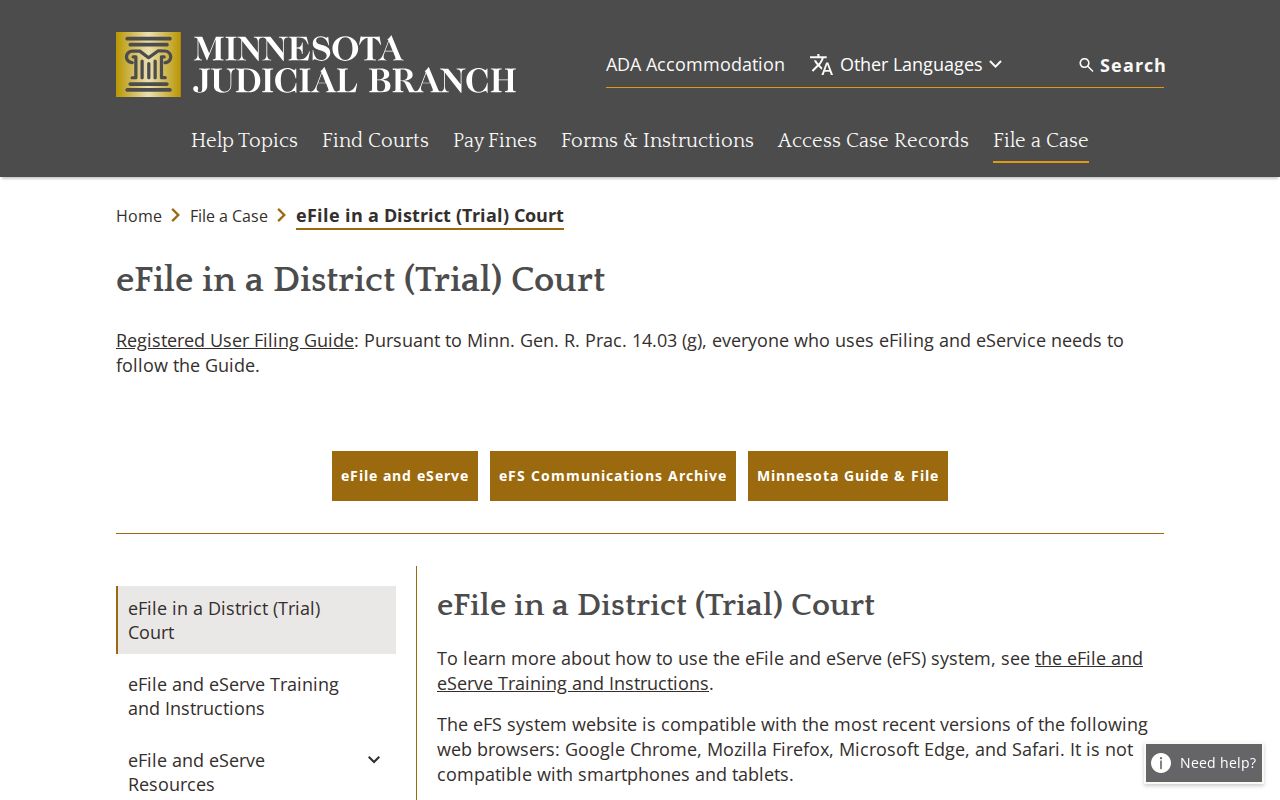
For a remote public lookup of an Itasca County docket, stick with MCRO and leave eFS out of it.
Itasca Case Search eFiling Rule
Electronic filing has its own rulebook. Minnesota General Practice Rule 14 lays out the official framework for eFS filing and service. It does not touch public MCRO access rules. Nor does it make an e-filed document an automatic remote download.
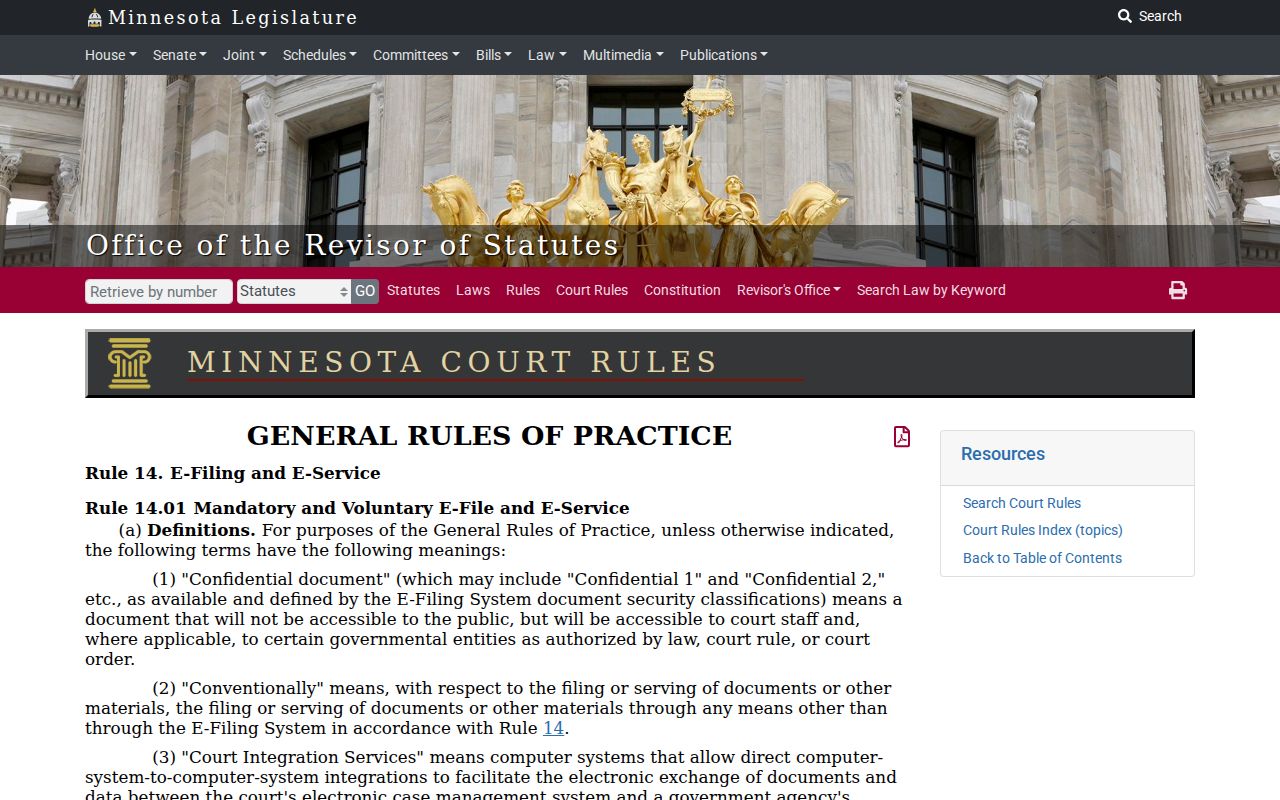
What you can actually see still hinges on the case type, the filing date, the document tier, and any court access restriction.
Itasca Case Search Filing Data
Broad court data lives somewhere other than a case search. The Judicial Branch publishes a District Court filings dashboard covering court activity across the system. That reporting tool is separate from MCRO. It cannot pull up a case's ROA. It adds wider context, yet it never replaces the case number, caption, and event sequence a specific Itasca County file demands.
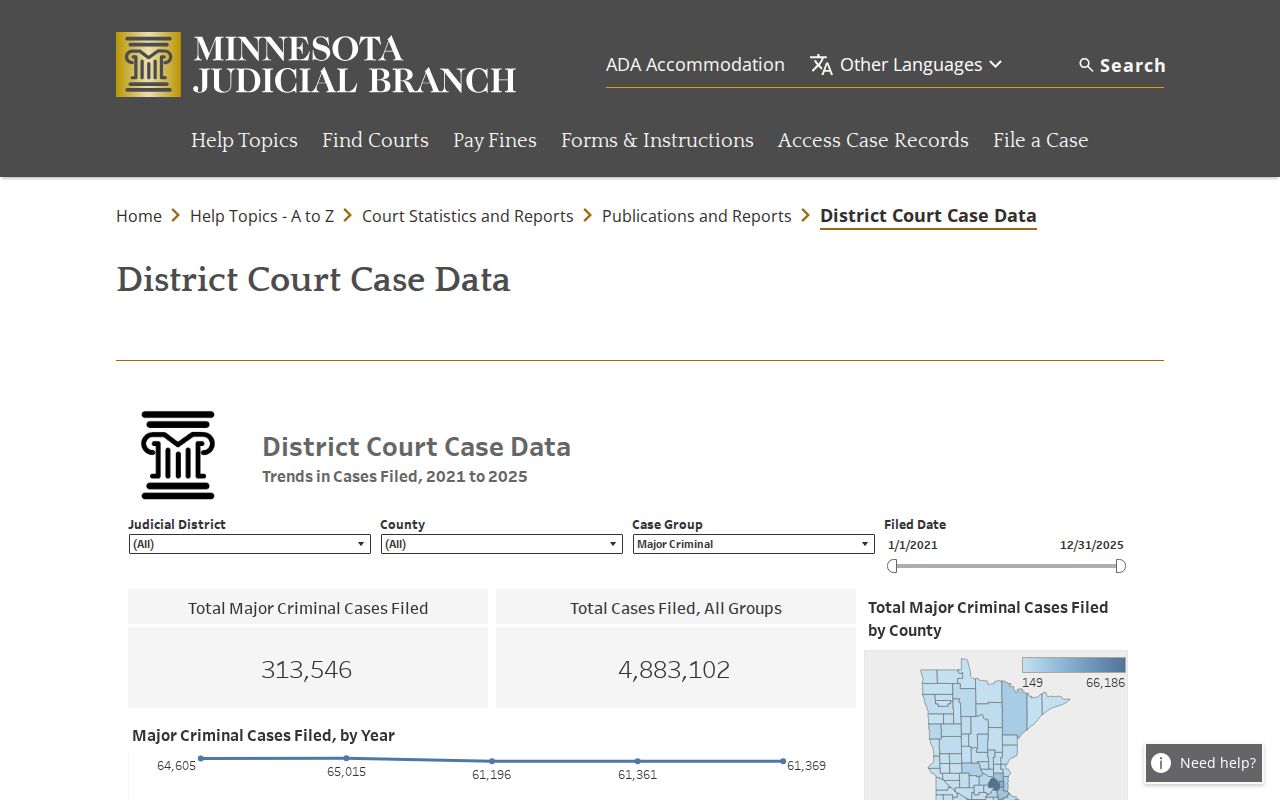
Note: A filing-data report sums up aggregated court activity. A Register of Actions tracks the events in one court file.