
Itasca Civil Docket in District Court
Civil cases in Itasca County sit in the unified Minnesota District Court. There is no county court-at-law here. No separate municipal civil docket exists either. Itasca County Court Administration keeps the civil register and files. It does so at the same District Court that handles all other trial-court matters in the county. Because one court holds everything, matching the county name, civil category, case number, caption, and filing date matters before you read an Itasca civil docket. That check also keeps a general civil matter from being mistaken for a family file. Both pass through the same court administration.
How to Search Civil Dockets
Remote civil Register of Actions lookups run through MCRO Case Search. Pick Civil, then choose specific county court locations. Check Itasca. Narrow the results with a party or business name, court file number, attorney, or filing-date range. The blue case link opens Case Details with its event record. Civil document availability is separate from the fact that an event shows in the ROA. Remember that separation when you look.
- Open MCRO Case Search and accept the terms.
- Select Civil and limit Court Locations to Itasca when the case is local.
- Enter an exact party or business name, case number, attorney, or filing date.
- Compare the caption, filing date, category, and county before opening the case.
- Read events from oldest to newest and check the current hearing before relying on an earlier notice.
MCRO results are unofficial. For an official certified copy or help locating a paper file, Court Administration is the local source.
Itasca Civil Docket Conciliation Limits
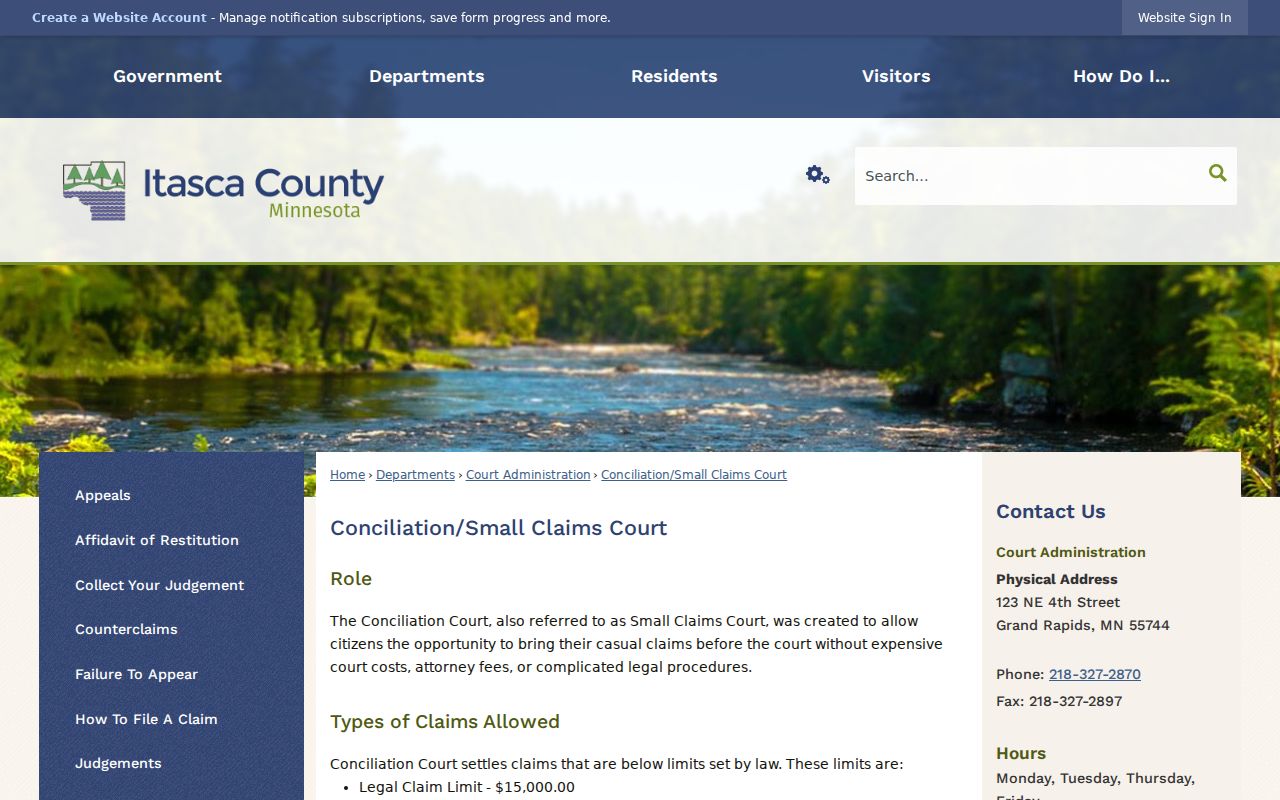
Conciliation Court belongs to the Itasca District Court system. It handles simpler claims without complex procedures. The county's stated legal-claim limit is $15,000. A lending institution faces a stated limit of $4,000. The listed filing fee is $75. Once a conciliation claim is reduced, it cannot later be raised above the amount chosen for that claim. The Itasca Conciliation and Small Claims Court page posts the local limits shown there. A conciliation case still carries a civil Register of Actions within the District Court system.
For identifying a case, the case number and civil category beat a small claims label every time.
What a Civil Docket Shows
A civil ROA opens with the case number, filing date, court, judge, category, and case caption. Parties come next: plaintiffs or petitioners, defendants or respondents, intervenors, and attorneys where shown. From there the event list can cover the complaint or petition, service, answer, motions, orders, hearings, settlement or trial activity, judgment, and post-judgment activity.
| Case information | Court file number, filed date, court, category, status, and case style. |
|---|---|
| Parties and attorneys | Named participants and attorneys of record where publicly displayed. |
| Pleadings and service | Complaint or petition, summons or citation, service, answer, and later motions. |
| Hearing and order events | Settings, continuances, court orders, settlement activity, and trial events. |
| Judgment activity | Disposition, judgment docket, satisfaction, garnishment, execution, appeal, or other post-judgment entries. |
Itasca Civil Docket Documents in MCRO
Public major and minor civil documents are generally eligible for remote MCRO access. This covers filings on or after July 1, 2015. The public tier spans civil categories such as contract, tort, consumer credit, condemnation, and forfeiture. Personal injury, conciliation, minor civil judgments, unlawful detainer, and civil miscellaneous matters are included too. Family materials follow a different tier. When you know the full Itasca civil court file number, use MCRO Document Search. It returns the documents available online for that case. Case Details gives the broader ROA context.
Types of Civil Cases on the Docket
The civil category only signals the general kind of dispute. For real context, read the caption, pleadings, and event record. Itasca civil dockets can include contract, tort, property-related, consumer-credit, personal-injury, condemnation, forfeiture, conciliation, implied-consent, unlawful-detainer, and money-judgment matters. Family is a separate MCRO category with its own remote document limits.
| ROA stage | What to look for | Why it matters |
|---|---|---|
| Opening | Complaint or petition, parties, and service | Shows who started the case and the claimed issue. |
| Case progress | Answer, motions, orders, and hearings | Shows whether the dispute is moving toward resolution. |
| Result | Judgment, dismissal, or other disposition | Identifies the recorded court outcome. |
| After judgment | Satisfaction, garnishment, execution, or appeal | Shows later docket activity after the decision. |
Itasca Civil Docket Index Numbers
An event can display a document-index number with no document attached. MNCIS generates index numbers even when nothing is attached. Some event rows omit party names. So an index entry alone does not prove a public downloadable file should exist. Before assuming a document is missing, check the case type, date, and access status. When an otherwise public record is absent from remote MCRO, the MPA Courthouse terminal offers the more complete public electronic view. Court Administration can check for a local paper or off-site file.
Settings and Hearings on Civil Dockets
Civil hearing entries may cover motion hearings, settlement conferences, trials, or other court events. Read them in sequence with the filed pleadings, service, and orders. A continuance or reset is itself an ROA event. A later hearing normally supersedes the earlier setting. An old notice never replaces the current docket record. Filter MCRO Hearing Search by name, case number, or judicial officer. Attorney, hearing date, category, and Itasca location narrow it further. Compare any hearing result with the ROA. Court Administration answers current-date questions at 218-327-2870.
Itasca Civil Docket Judgment Search
MCRO Judgment Search is narrower than the civil ROA. It searches docketed money judgments by debtor name, date, status, and location, and it can show monetary judgment details such as satisfactions. For a nonmonetary result, the underlying motions, or the full event history, Case Details still does the work.
| Search route | Best use | Limit |
|---|---|---|
| Case Search and ROA | Find the civil case and read its chronology. | Not every event has a remote document. |
| Document Search | Find an eligible public document by full case number. | Only available online documents are returned. |
| Judgment Search | Find docketed money-judgment details. | It does not report every civil outcome. |
Itasca Civil Docket Copy Options
Itasca County gives you three ways into a civil court docket. Each layer serves a different need. MCRO supplies an unofficial record of the case plus free copies of eligible documents. The MPA Courthouse terminal shows more, opening the fuller public electronic view at the courthouse. Court Administration holds the local civil file and the certified-copy route. Ask about older paper files there. Some sit in off-site storage. That can rule out same-day production.
Fees are simple. Plain, uncertified civil copies cost nothing. A certified document runs $14, and a certified and exemplified copy is listed at $28. Transcripts are different. They come from the court reporter, not the copy counter. The usual civil rate is $5.75 per page, with expedited terms negotiated separately. A mailed request can use a letter or the statewide form. Name the case, the document, quantity, copy type, and delivery method. Court Administration can clarify the request channel before a record is sent or collected.
The Statewide copy-request instructions allow in-person requests, mail, and eFS. eFS serves a party's case. No county-specific form for Itasca appears in that set. A letter or the statewide form is the documented fallback. Nonparties need an administrative file number first. Get it from Court Administration before using eFS. Payment should accompany a mailed certified or exemplified request unless it is waived. Credit cards work in person. Mail takes a check or money order payable to the District Court Administrator. The local court page lists no records-request email or counter cutoff. Calling first is wise. That also keeps a civil ROA request away from a Sheriff records channel. That channel does not hold it.
Public Access to Civil Dockets
Court records are presumed open during regular office hours unless an exception applies. The remote view is not the whole story. The Itasca MPA Courthouse terminal shows more. It can display public electronic material that never becomes available remotely. For older files, copies, certification, and record-access questions, Court Administration is the local path. Minnesota Rule of Public Access 4 spells out the categories. They stay closed absent an authorized order. The rule's official text lists each protected record type. That is why a name or case search may return nothing for a shielded matter.
Certified copies cost $14; MCRO's free ones are uncertified.
Itasca Civil Docket Restricted Identifiers
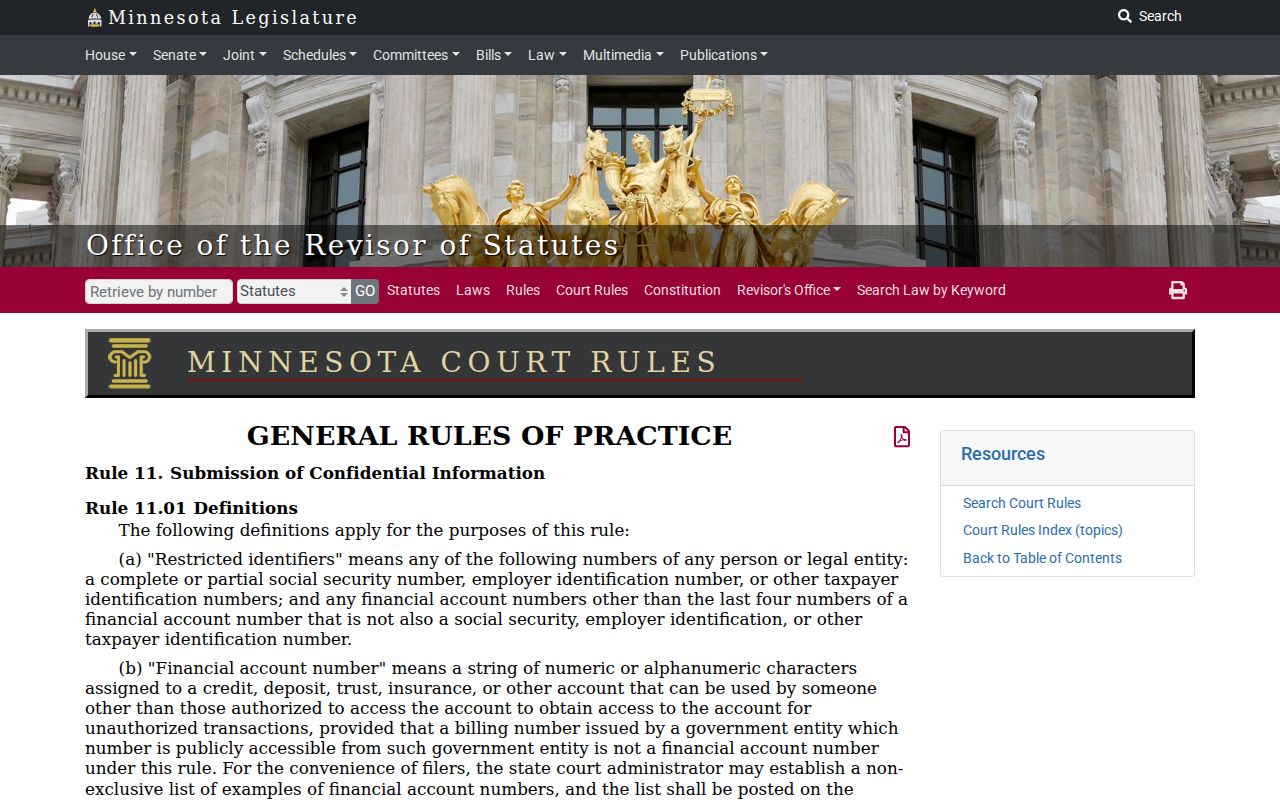
Remote docket views leave plenty out. Online ROAs, calendars, indexes, and judgment dockets strip Social Security numbers, financial-account numbers, phone numbers, and most street addresses. The redaction duty falls on the filer. Minnesota Rule of General Practice 11 says so directly. So a public event entry can look thinner online than the paper court file behind it. The Rule 11 source confirms that boundary. It never blocks an Itasca civil docket from showing the case history that remains public.
A missing identifier or attachment is not a result. Treat it as silence on how the civil case ends.
Itasca Civil Docket Juvenile Boundaries
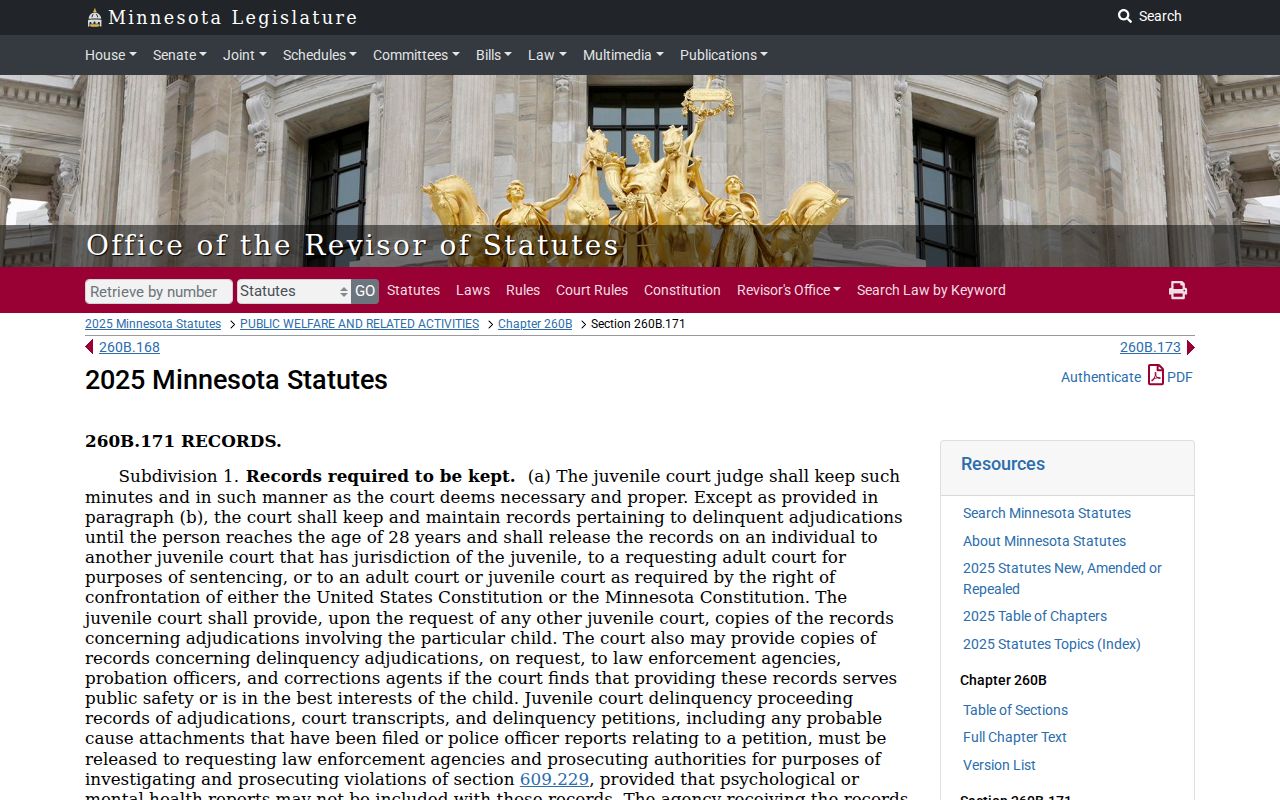
A civil case search does not unlock juvenile records. Those files generally stay closed. Legally public proceedings and authorized access are the exceptions. That is why category selection matters before anyone reads meaning into a no-result search. Family, juvenile, domestic-abuse, harassment, commitment, and other protected records run on their own access rules. Minn. Stat. §260B.171 is the official juvenile-record rule. Court Administration can explain the proper access route for a particular file, but no office turns a restricted case into a routine public lookup.
Note: A case title means little here. The court file's category and access status control more than a remote search result.